An AI computer
in your pocket.
Ask SteerClaw to check a bill, plan a trip, create an audiobook or turn your notes into a document. It gets things done.
Private from the ground up. Your chats and files go straight to the model you choose, without passing through Steer.
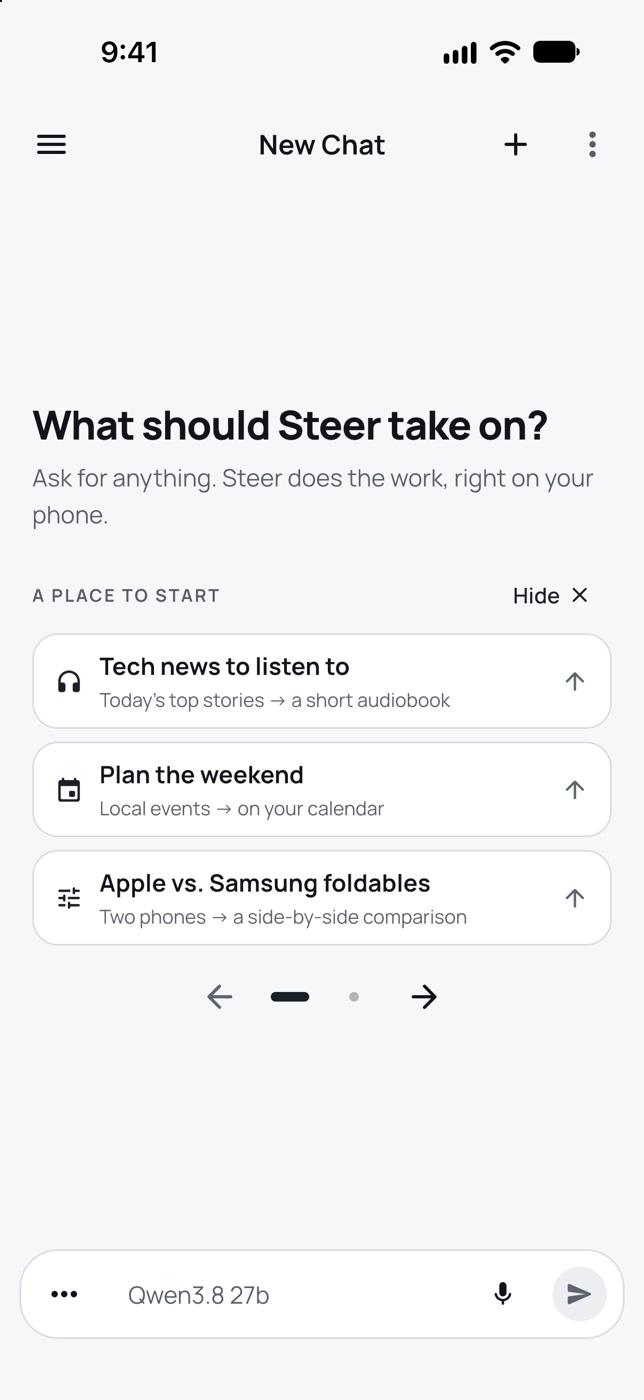
See it work
See SteerClaw in action.
Add a photo or file, then ask what you need.
Analyze my electricity bill and tell me what I can focus on to reduce it.60% of the month’s electricity was used overnight. SteerClaw suggests what to check.
Can I fix this myself?SteerClaw spots stripped screw holes and explains three repair options.
What can I make for dinner?Five meal ideas using ingredients in the fridge, with a frittata as the first choice.
Privacy
Private from the ground up.
Your chats, files and memory are stored on your phone. Requests go directly to the AI model you choose, without passing through Steer.
- Stored on your phone. Your chats, files and memory are kept on the device and left out of cloud backups.
- No tracking, no ads. There are no analytics, advertising or crash-reporting tools in the app.
- Protected credentials. Protected by your phone's Keychain or Keystore. Lock the app with your face or fingerprint.
- A direct connection to your model. Requests go directly to the provider you choose, not through Steer.
- No SteerClaw account required. You can delete the app’s saved data with Reset SteerClaw in Settings.
Your AI provider, the websites you visit and the services you connect receive what a task needs. Feedback you choose to send comes to us. Details are in our Privacy Policy.
Model connections
Choose your AI model.
Connect a model running on your computer or add a provider API key. You can switch models for different chats.
Self-hosted model
Run it on your computer
Connect an OpenAI-compatible model server. Your phone talks directly to your server; Steer does not relay the request.
Ollama · LM Studio · vLLM · llama.cpp · and more
API key
Pay per use
Add a key from the provider you like.
OpenAI · Azure OpenAI · Cerebras · Groq · Anthropic · xAI · OpenRouter
Support
We're here to help.
Contact us
Questions, problems or privacy requests. Please mention SteerClaw Mobile.
support@steercorp.ioDo I need a SteerClaw account?
No. There is no SteerClaw account. You connect your own AI inside the app.
Can I run the AI model on my computer?
Yes. Connect SteerClaw to an OpenAI-compatible model server your phone can reach, such as Ollama or LM Studio. For agent tools, choose a model that supports tool calling.
What AI do I need?
An API key from OpenAI, Azure OpenAI, Cerebras, Groq, Anthropic, xAI or OpenRouter, or an OpenAI-compatible server you run. Agent tools need a model that supports tool calling.
Is SteerClaw free?
Yes. The app is free, with no ads and no in-app purchases. Your AI provider or connected services may charge for what you use.
How do I report a bad answer or a problem?
Tap thumbs down on any answer, or use "Report a problem" in the chat menu. On iPhone, the form shows what will be sent before you send it. On Android, feedback opens your email app.
How do I delete my data?
Your data lives on your phone. Go to Settings, then "Reset SteerClaw" to delete chats, models, keys, connections, memory and skills. To delete a report you sent us, email us.